LogiVale
A downloadable game for Windows and macOS
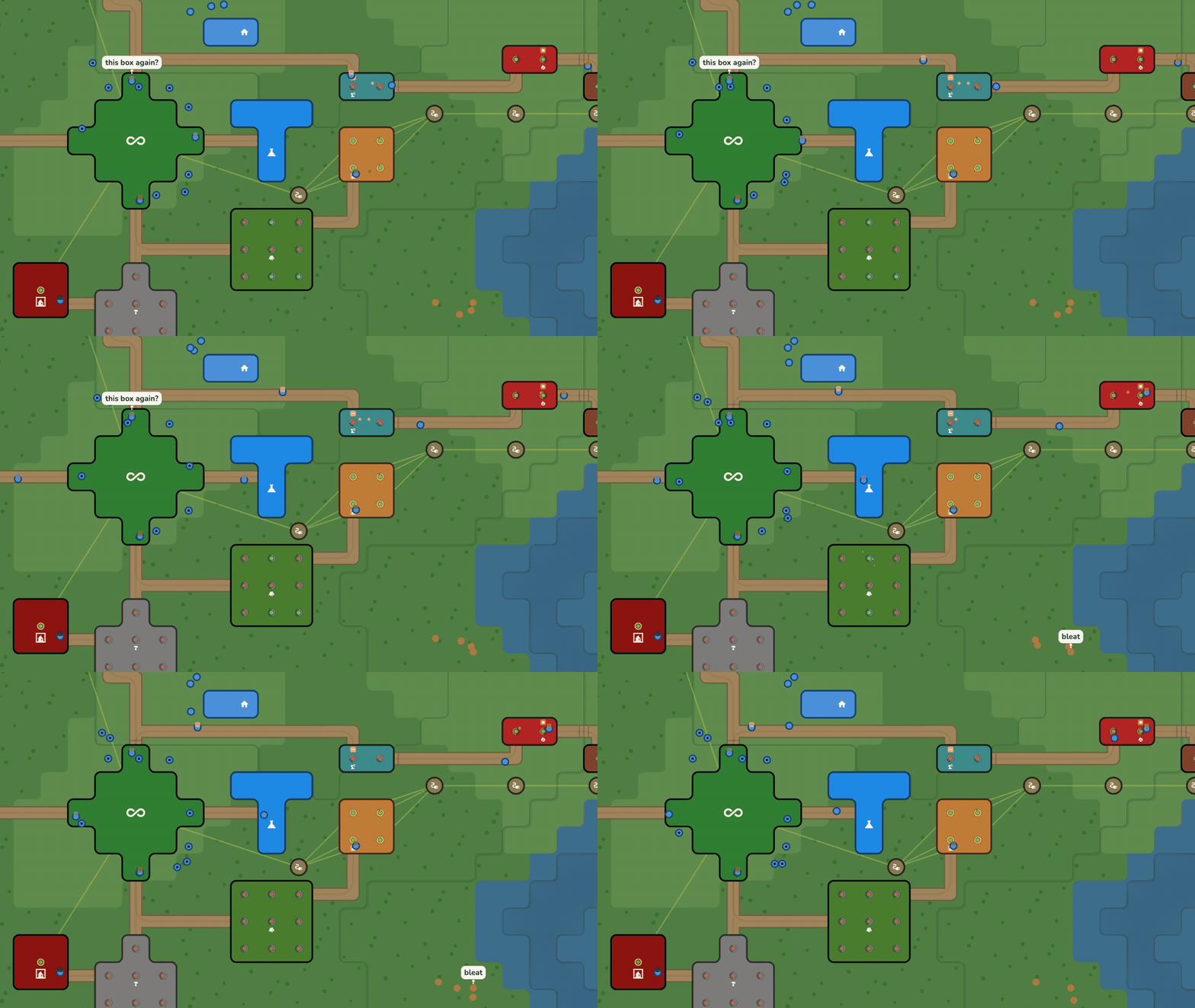
LogiVale is a factory game without pressure. Nothing attacks you, there are no timers, and the valley will still be there tomorrow. You can take your time.
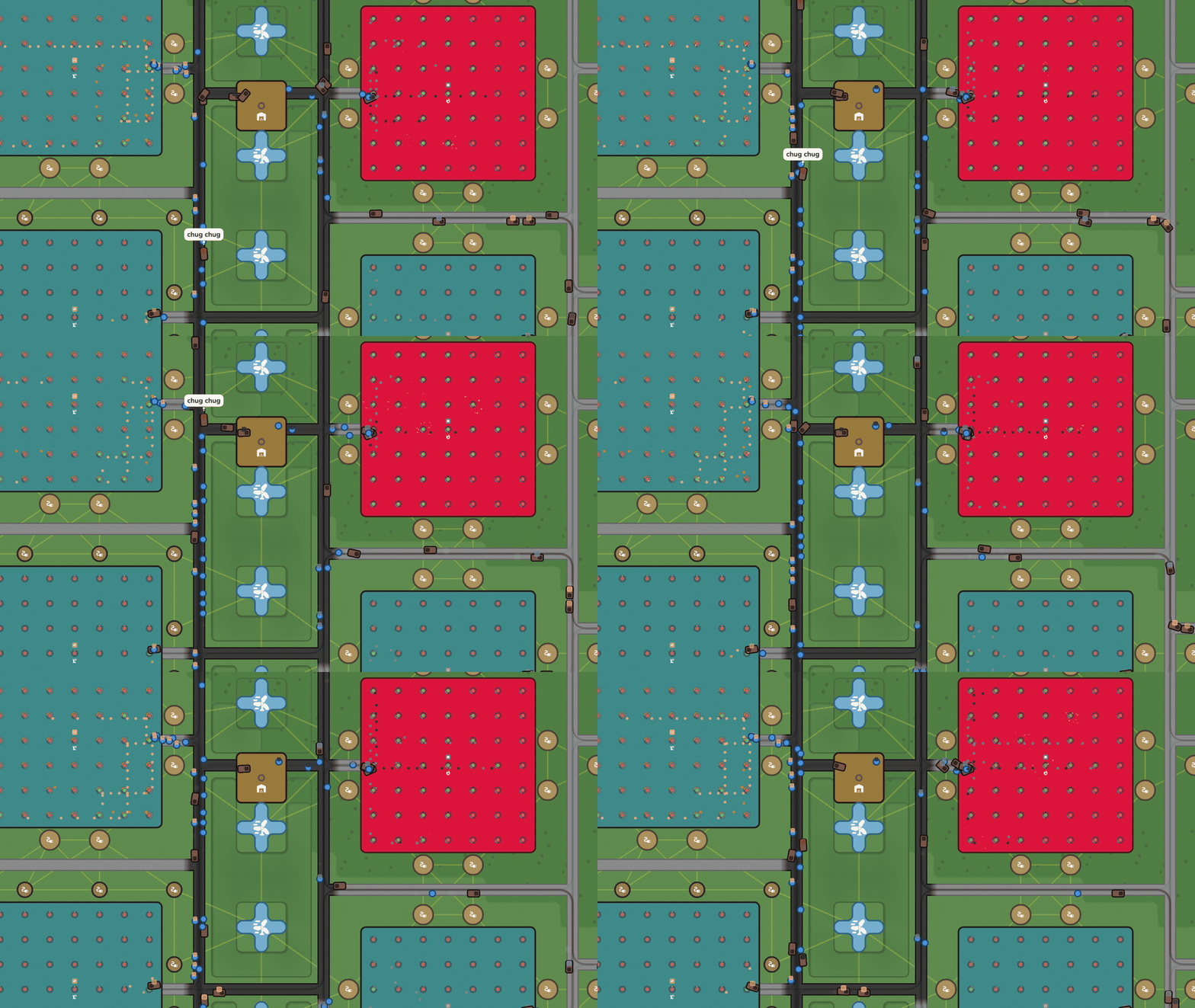
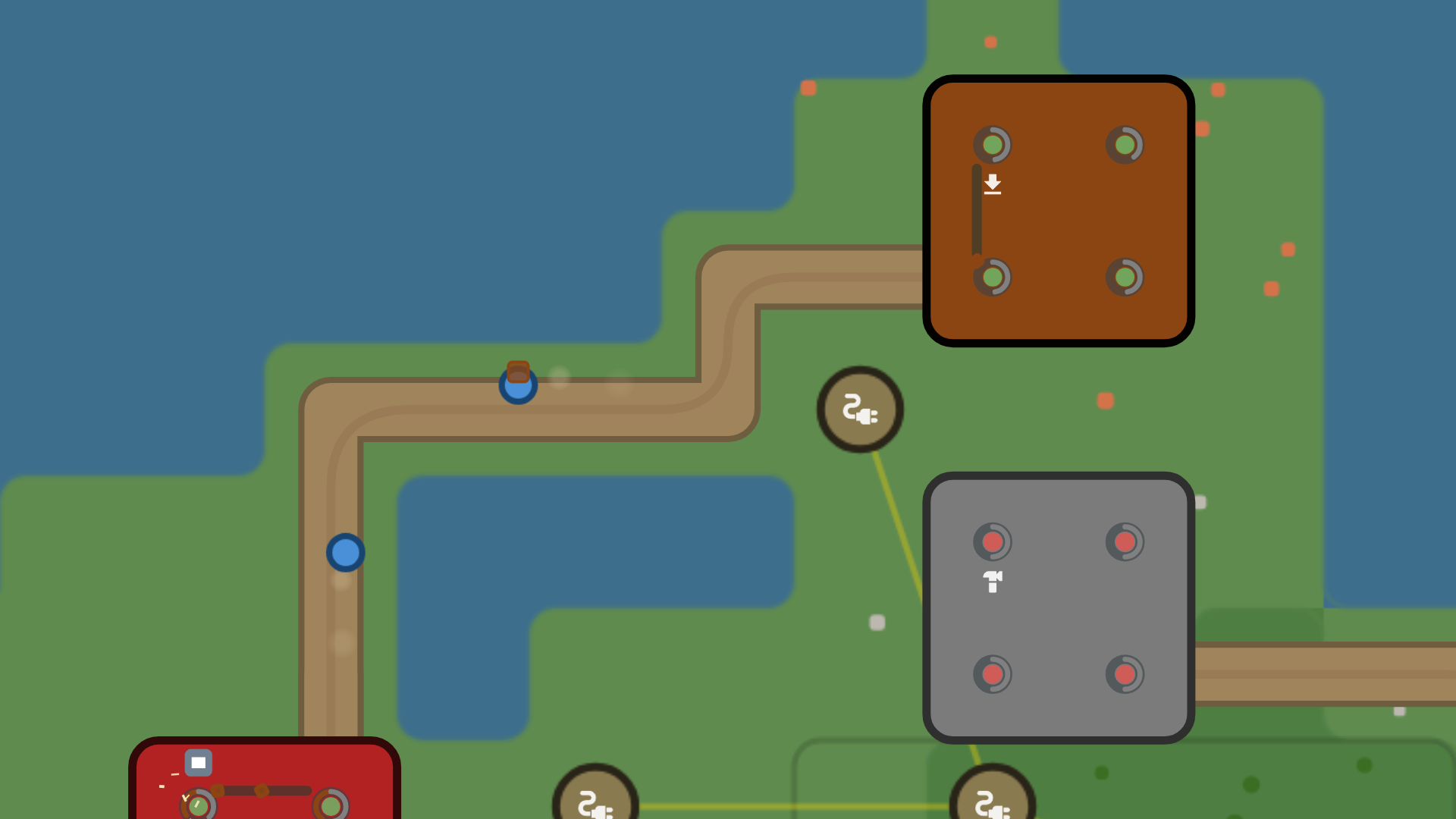
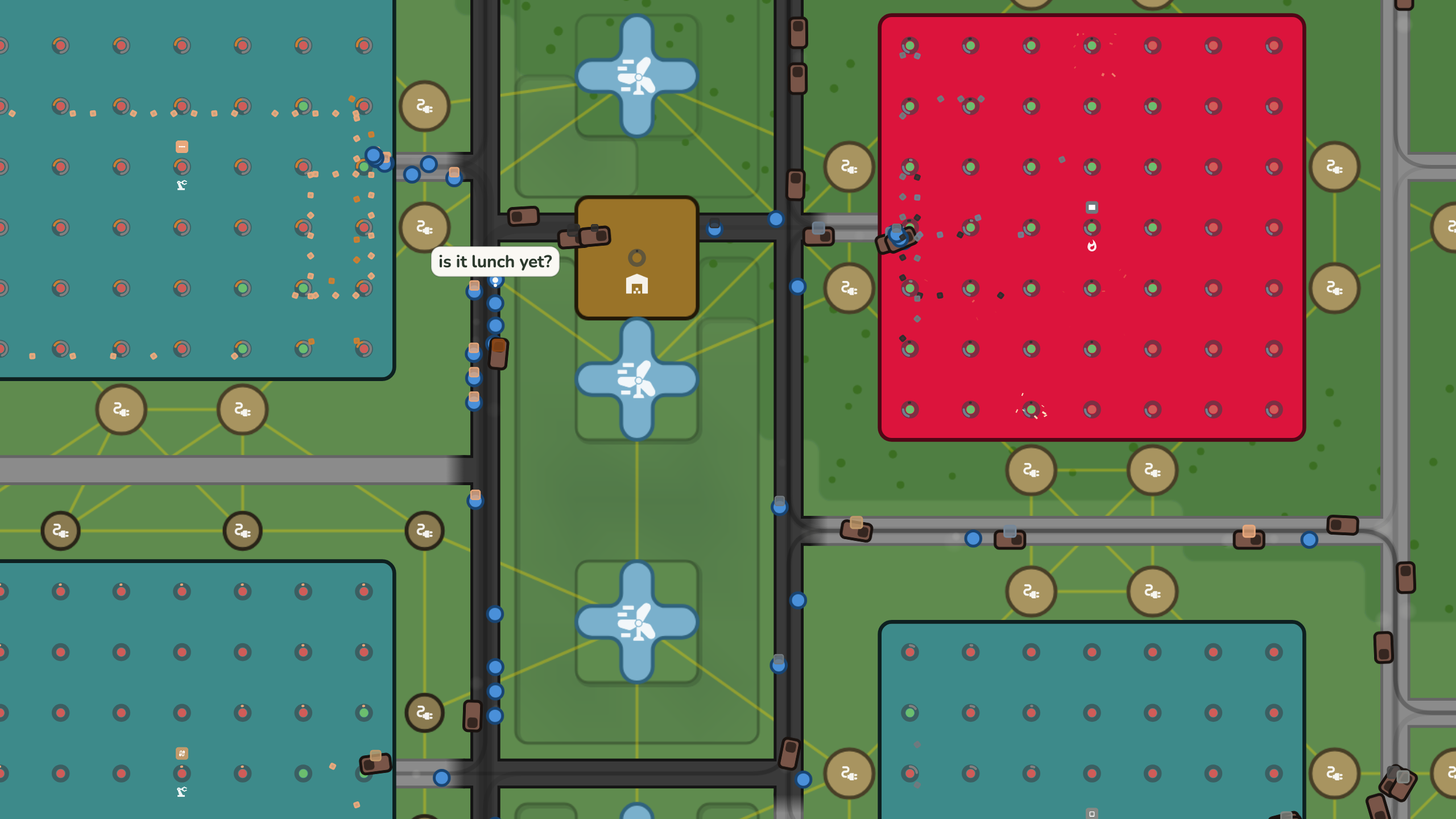
There are no conveyor belts; everything is carried by pawns. There are four kinds of workers: a normal all-rounder, a fast one, a hauler that can carry more, and drones that can fly over water and cliffs. Finding good routes for them is a big part of the game.
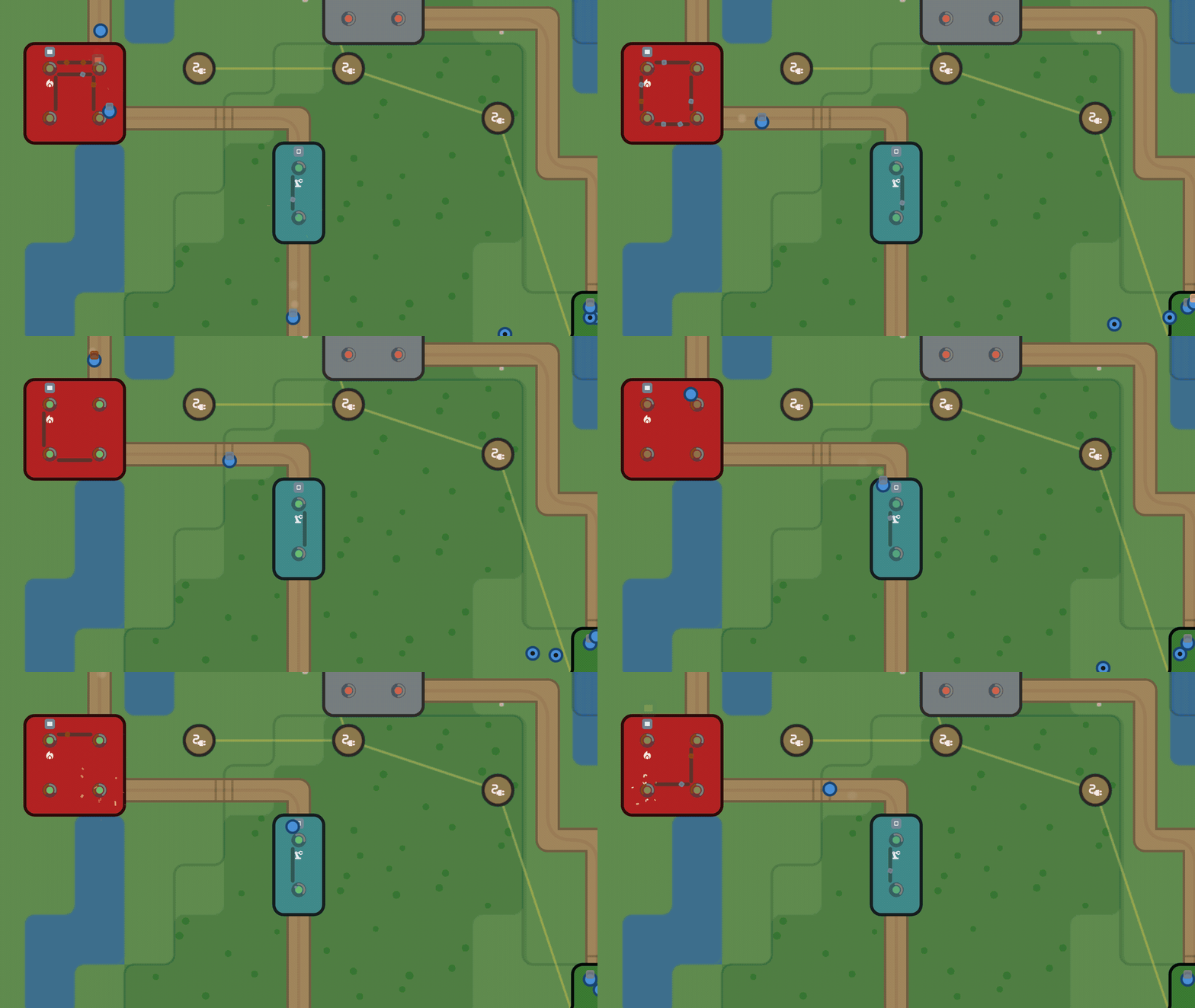
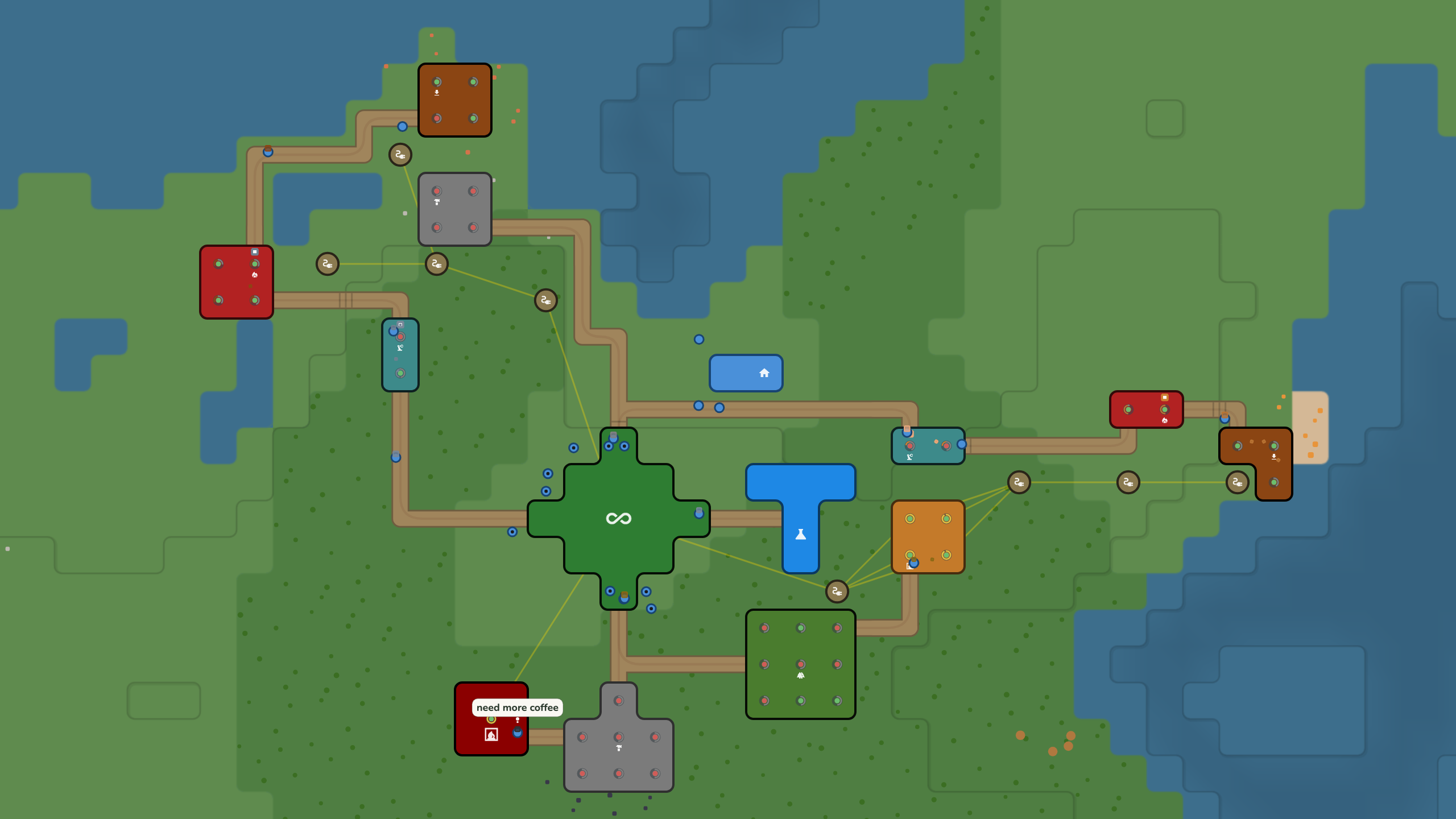
You start with an extractor on a resource patch and a smelter next to it. Make a link between them and a pawn walks over, picks up the ore and carries it to the smelter. A moment later you have your first ingot. From there it grows: the smelter needs more ore, the next recipe needs the smelter, and soon the valley is full of small routes that all depend on each other.
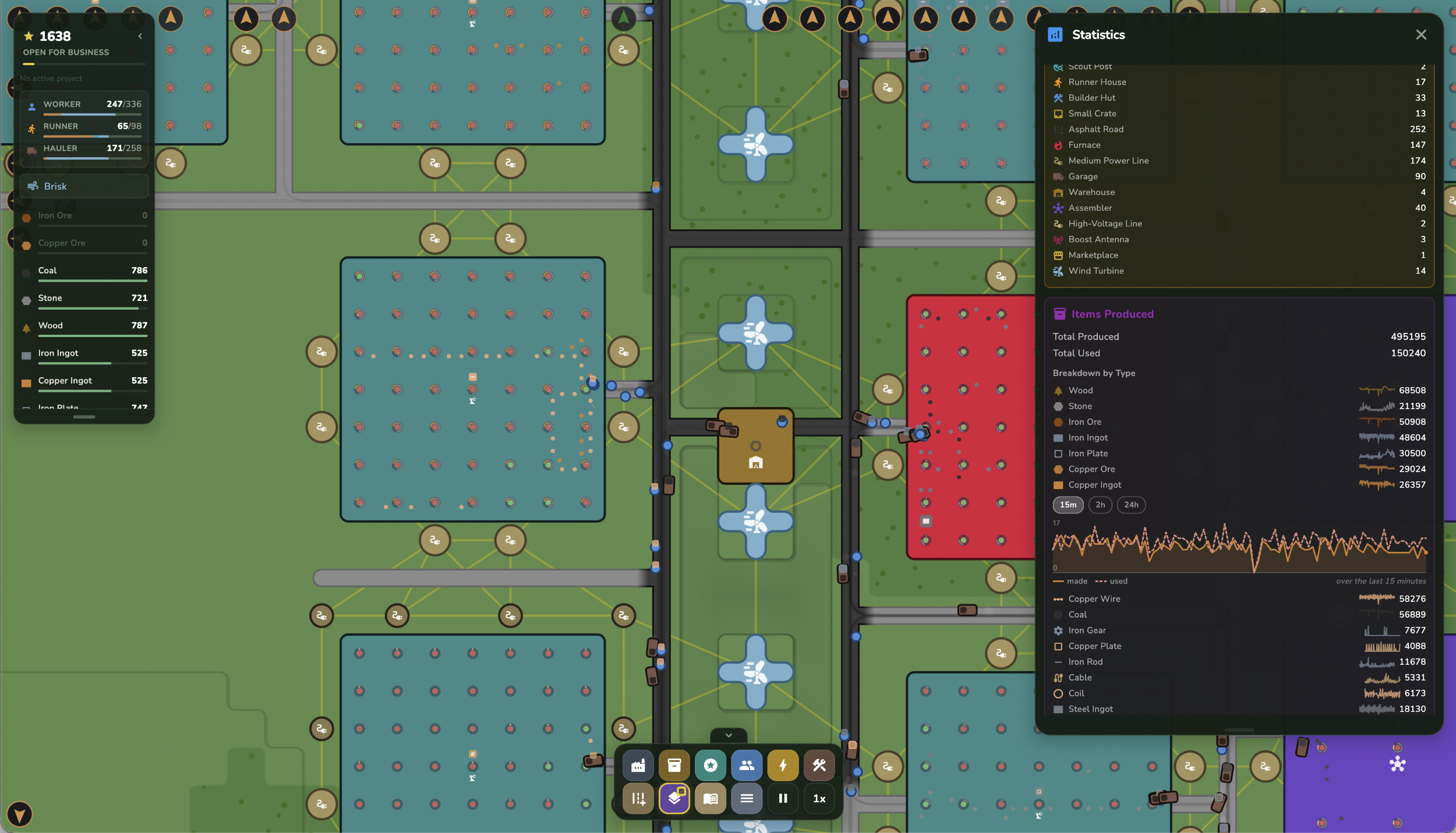
Ore become ingots. Ingots become plates, rods and wire. Those go into motors, circuits and frames. Every recipe you unlock makes a few new ones possible, and the chain goes all the way from charcoal up to advanced motors and upgrade modules.
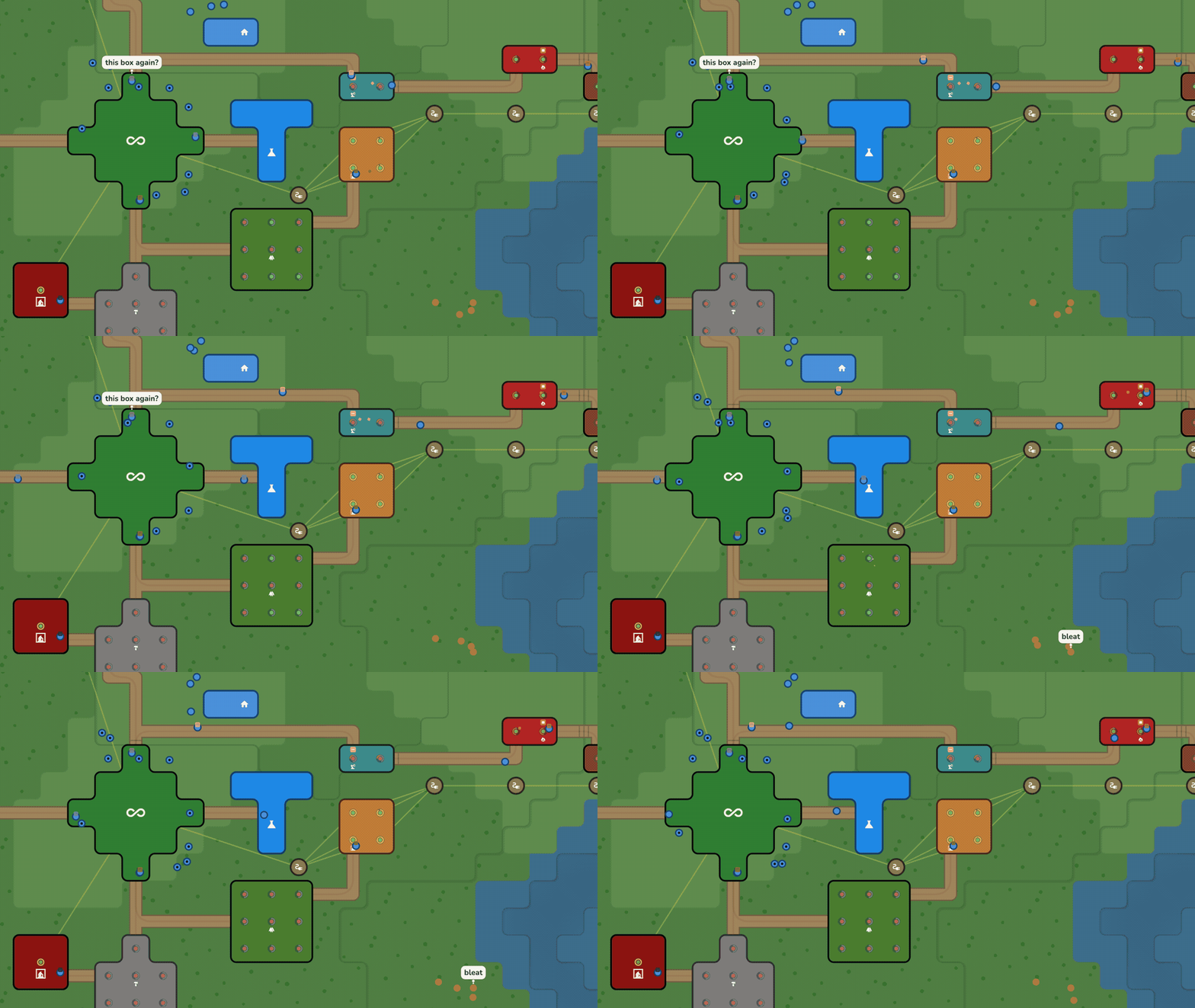
You also need power. In the beginning, wood burners and coal generators are enough. Wind turbines are more interesting: place one on an open hilltop and it works very well, but the output goes up and down with the wind during the day.
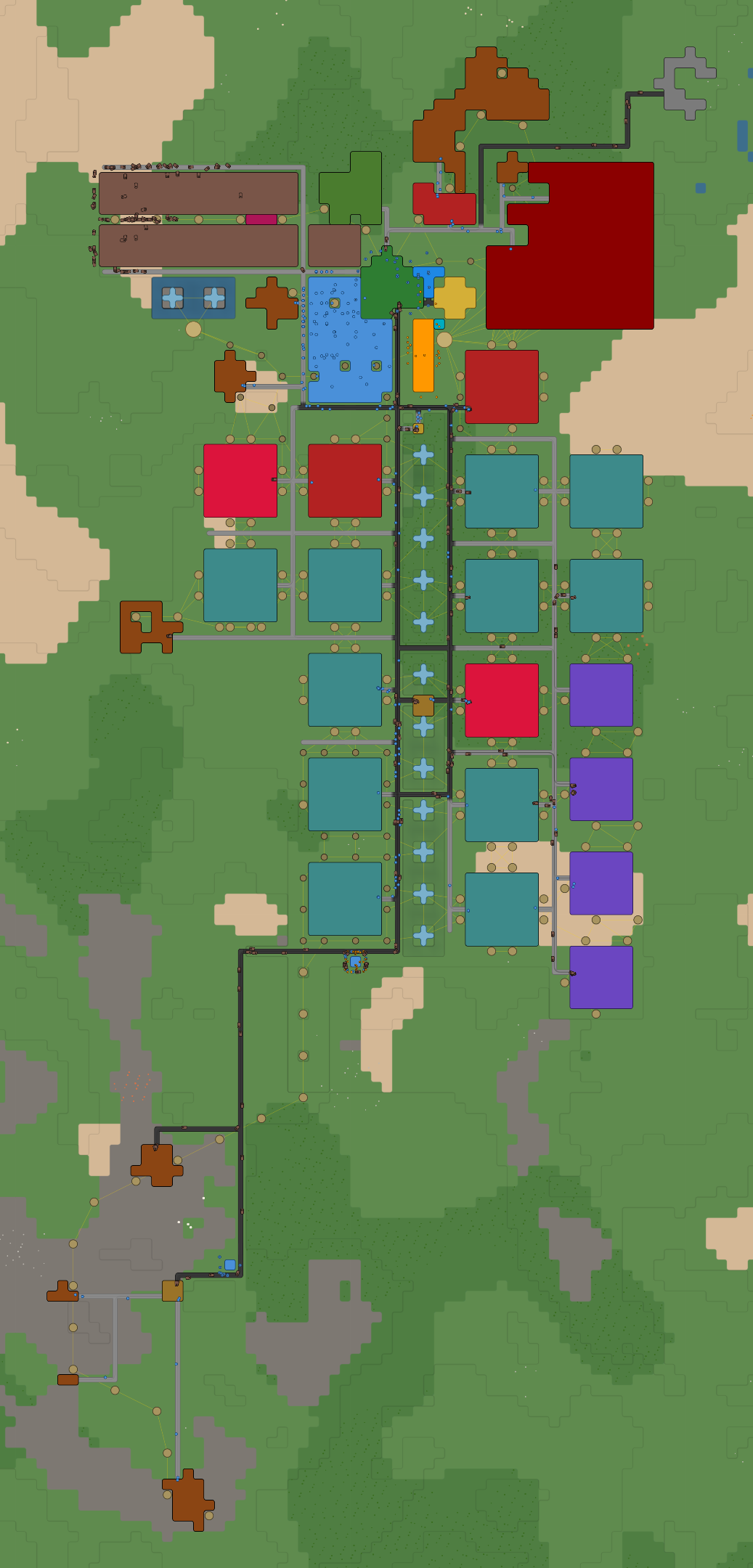
Every valley is generated new, with forests, grasslands, deserts and rocky highlands. Each biome has its own resources. Fog covers everything outside your starting area. You can send out scouts, and they will explore the terrain and show you what is there. Some deposits are too deep to see at all, also on ground you already explored. For those you need a scanner.
The research lab is simple: it asks for materials, you deliver them, and you get something new. Advanced buildings, extra pawn types, terraforming, high voltage power lines. There are four tiers, and every tier changes how you build.
Deliver finished goods to the marketplace and your prosperity grows. The settlements in the valley grow too, from small camps into real towns, and they start asking for more special things when they get bigger.
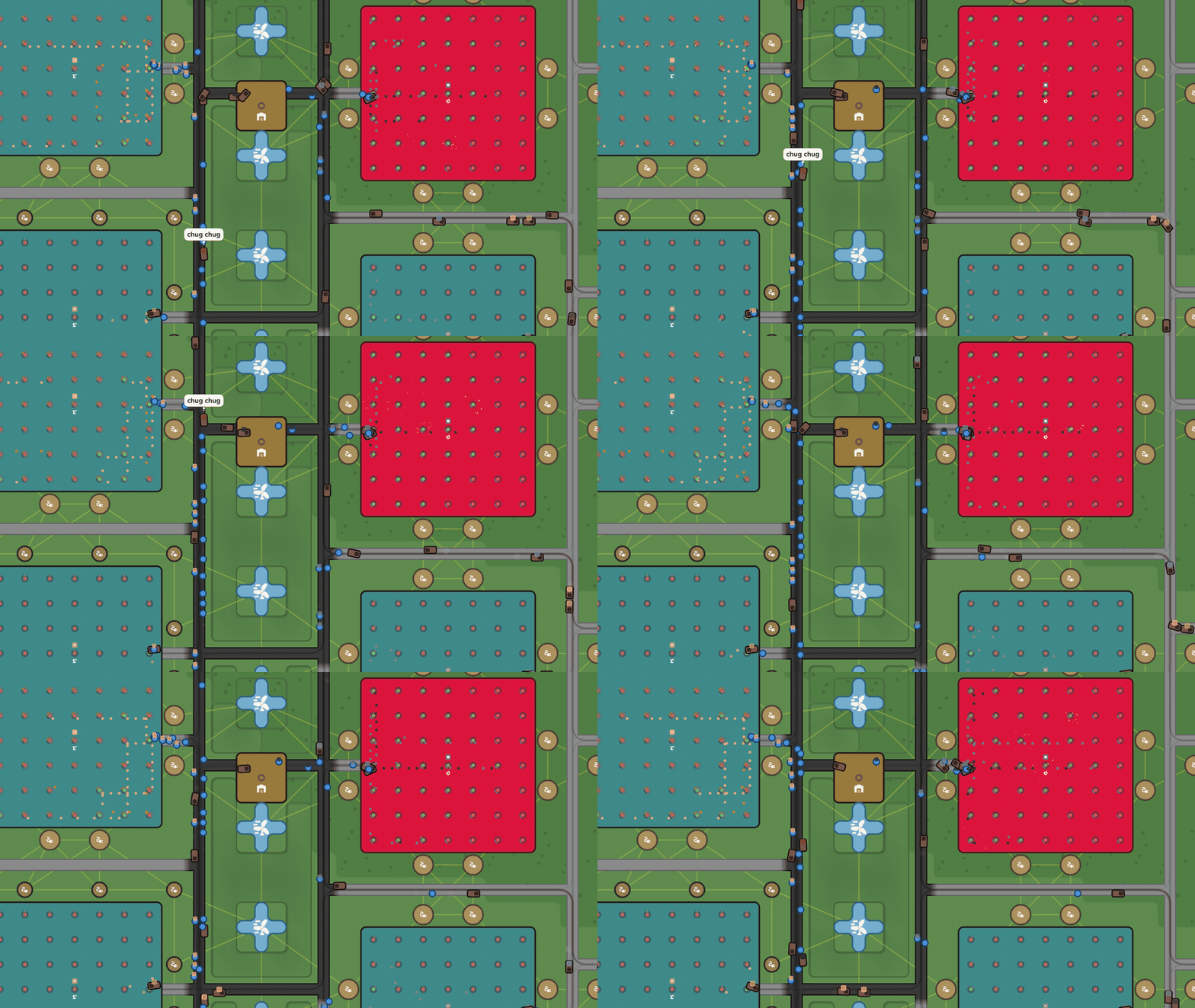
And when your first supply chain runs on its own, there is still a lot to do. You can craft modules and deliver them to a Boost Antenna, which gives the effect to everything built close to it. There are three types (faster extraction and crafting, more power, quicker pawns with bigger loads) and three tiers of each.
The full game is free without ads. For a small donation you get some "cheats" (free buildings, no power, reveal map, instant build) and the custom world builder.
Discord: https://discord.gg/k9vxgqGD4
Download
Click download now to get access to the following files:
Also available on

Development log
- Added translations27 days ago
- Item bubbles and fixes35 days ago
- QoL, performance and dust42 days ago
- LogiVale 1.1 - Cosmetic wildlife56 days ago
- LogiVale 1.0 Released!74 days ago
Comments
Log in with itch.io to leave a comment.
Trying this out again, some issues I forgot to mention last time that still seem to be present:
Thank you again for your feedback! I've been trying to reproduce the blur issue but having no luck.. Seems to be a Windows issue which i am unable to test. I have changed some things which could fix the issue, along with fixes for your other comments, could you perhaps find the time to test it? I really appreciate your help.
Zooming or just moving the camera on Windows usually leaves things blurry and it’s difficult to refocus.
Nonethless the factorio crack is real and I lost all of my day off to this game! :D
Here’s some feedback/thoughts/requests now I’ve finished the research tree:
This is amazing feedback, thank you for playing and enjoying my game!!! I will get to work ;)
As for choosing where an outbound connection is at; when you select the link you can then long-press-and-drag the start point to another cell in the hub (or even to another building). I will see if i can make that more clear!
To follow-up: I just released a new version which addresses most of your feedback. Thanks again!
This needs a full screen mode
Fullscreen is available in the Windows/MacOS builds. Unfortunately the performance on web is not strong enough to allow full screen mode.
Thank you for trying the game!